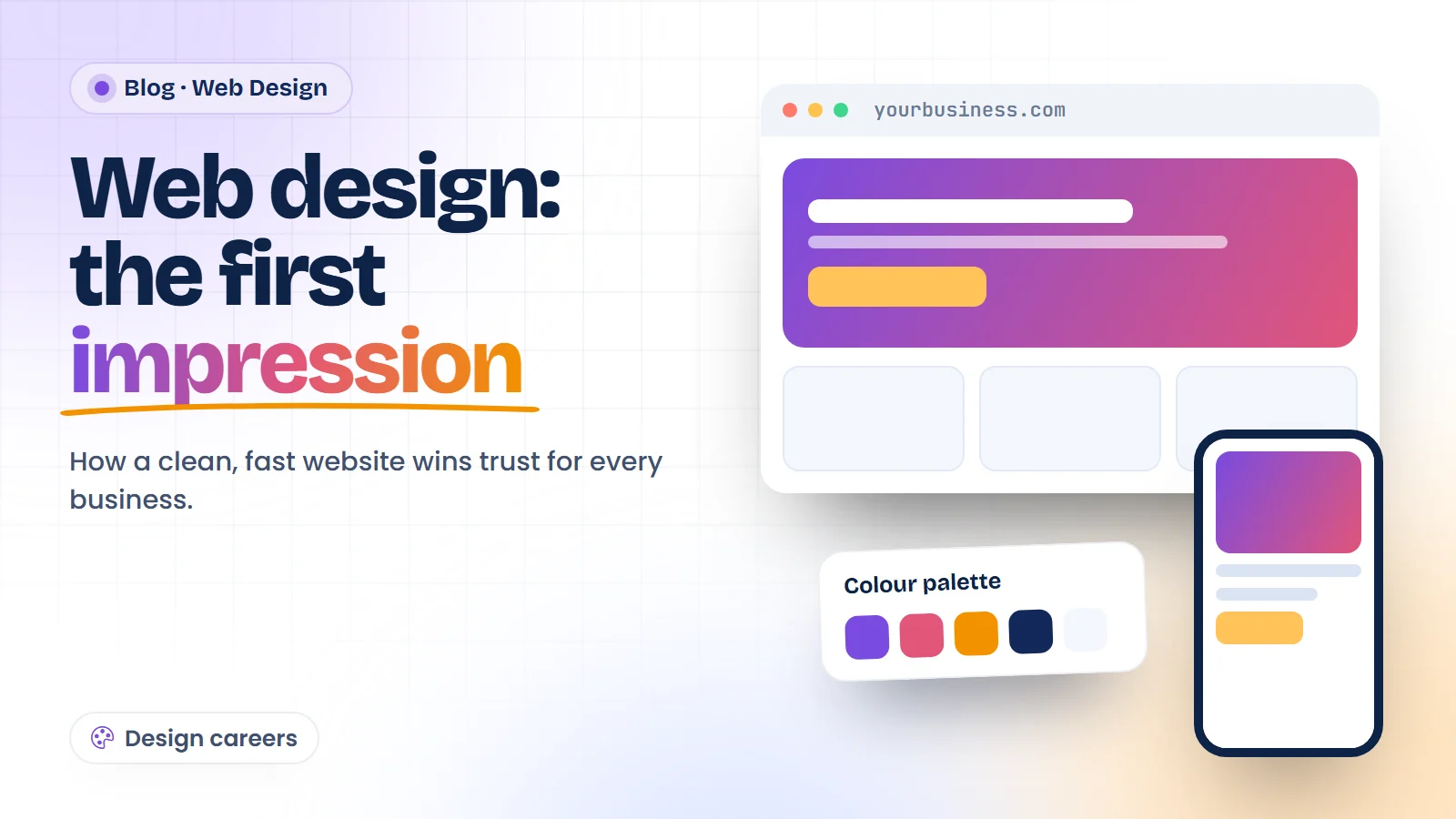
Your website is often the first thing a customer sees. See what web designers build, the skills they need and how to start this career.
Before a customer calls you or visits your shop, they often look you up online. In a few seconds your website tells them whether you look trustworthy. That is why web design matters to every business, from a local clinic to an online store.
This article explains what web designers do, the skills you need, and how to start a career in web design.
What is web design?
Web design is planning and building how a website looks and works. A web designer decides the layout, colours, fonts, images and buttons, and makes sure the site is easy to use.
A good designer checks:
- how the page looks on a phone, tablet and laptop
- how fast the page loads
- whether visitors can find the contact button or price list quickly
- whether fonts and colours stay the same on every page
Why businesses need web designers
Shops, schools, hospitals, coaching centres, start-ups and freelancers all want a website or a better one. Many also need landing pages for ads, online stores and regular updates. This steady need creates work for web designers in companies, agencies and as freelancers.
Skills you learn in a web design course
How the web works
You start with the basics: domains, hosting, servers and how a browser shows a page.
HTML
HTML gives a page its structure: headings, paragraphs, images, links, forms and sections.
CSS
CSS controls the look: colours, fonts, spacing, Flexbox and Grid layouts, and animations. Media queries make the same page work on every screen size.
Bootstrap
Bootstrap gives you ready-made, mobile-friendly parts like menus, cards and sliders, so you can build layouts faster.
JavaScript and jQuery
JavaScript adds action: menus that open, form checks, sliders and pop-ups. jQuery makes common tasks shorter to write. See our JavaScript course.
UI/UX basics and Figma
You learn how to plan a page before building it: wireframes, button placement, colour choice and the path a visitor takes. Tools like Figma help you design and share these plans.
AI tools
AI tools can suggest layouts, write first drafts of page text and help fix code. You still need to check and adjust everything they give you.
Projects you should build
- a business landing page with a contact form
- a multi-page website for a school or clinic
- a product page for an online store
- your own portfolio website
Put these live online and keep the links ready. Clients and employers want to see working sites, not only certificates.
Career options after web design
- Web Designer
- Front-End Developer
- UI Designer
- Website Maintenance Executive
- Freelance Web Designer
If you later want to build full apps with databases and logins, you can move on to Full Stack Development with AI.
Common mistakes new web designers make
- Designing only for laptops. Most visitors open sites on a phone. Check every page on a small screen first.
- Too many fonts and colours. Two fonts and three or four colours look cleaner than ten.
- Heavy images. Large photos slow a page down. Resize and compress them before you upload.
- Hidden contact details. Put the phone number, WhatsApp or enquiry button where people can see it without searching.
- Copying a template without changes. Clients want a site that fits their business, not a copy of another one.
Fixing these five things will make your first projects look far more professional.
How to start
- Learn HTML and CSS and build three simple pages.
- Make every page work well on a phone.
- Add JavaScript for menus, forms and sliders.
- Design one page in Figma first, then build it.
- Publish your work and create a portfolio site.
Our Web Design course covers these steps with live projects, online or in class at our Delhi NCR centres.